Save a move once. Pick the side.
Mark each exercise as bilateral or unilateral. Add Bulgarian Split Squat to a class and tap Left or Right instead of typing it twice.

Build your class on your iPhone. Teach it from your Apple Watch, with your phone nowhere near you.
You think in blocks, exercises and sides. Your timer thinks in a flat list of intervals. So you retype every move twice, do the block math in your head, and keep your phone close in case something goes wrong.
shakeshift. is built around how a class is actually taught.
Mark each exercise as bilateral or unilateral. Add Bulgarian Split Squat to a class and tap Left or Right instead of typing it twice.
Drop a 90° hold at 1:30 into a 3:00 lunge. The lunge stays 3:00, and your watch gives the hold its own countdown and tap.
Tap Abandon Sequence to drop the planned moves and freestyle. Your block timer keeps running, and Back to Plan brings them back.
Every block shows 12:30 of 15:00 as you build, with a flag for short, on target or over.
A different tap for each new exercise, cue, countdown and block.
Start new classes from the formats you teach most.
Bring your moves in from Excel or CSV.
Get a heads-up if a class ends on one side.
Print every exercise, time and spring load.
Send a class by AirDrop, Messages or email.
If the watch app closes, it reopens at the right spot.
Save each class as a workout.
| What coaches need | Timer apps | shakeshift. |
|---|---|---|
| Blocks, exercises and sides | A flat list of intervals | Blocks, exercises, Left/Right and cues |
| Block times that add up | Do the math yourself | Live time check on every block |
| A cue mid-exercise | Split it into extra intervals | Cues placed inside the exercise |
| Change plans mid-class | Stop and lose your place | Abandon Sequence and Back to Plan |
| Catch programming mistakes | Nothing | Your own rules, flagged while you build |
| Feel cues without looking | One generic buzz | A distinct tap for each moment |
Then pick the plan that fits. Cancel anytime in your iPhone's Settings.
No accounts, no ads, no tracking. Your classes live only on your phone and watch.
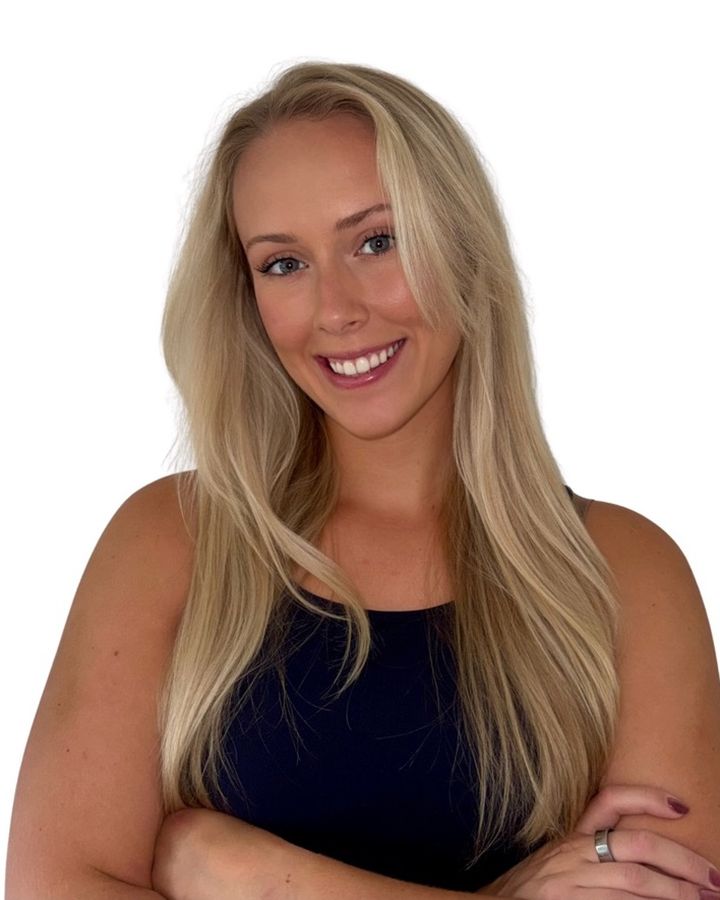
Hi, I'm Maddy. I've taught more classes than I can count off timer apps that were never made for coaches. We all rig them to work, and they still get in the way.
I built shakeshift. because I needed it. I use it to teach my own classes, and a group of coaches has been shaping it in beta since October.
Maddy, founder of shakeshift.
The beta runs through April on iPhone and Apple Watch. Teach with it, answer a short survey on the 1st and 15th, and tell me what to fix. Every month you stay active earns points toward cheaper, or free, shakeshift.
You can build classes on your iPhone without one. Teaching from your wrist is where shakeshift. shines.
Any group fitness coach or instructor who teaches timed classes: Pilates, barre, HIIT, strength, cycle, bootcamp and more. If your class runs in blocks of timed exercises, shakeshift. is built for you.
No. Once you send a class to your watch, it runs on its own. Lowering your wrist never pauses anything.
Yes. Bring your exercise list in from an Excel or CSV file, including times, sides and equipment. From Google Sheets or Numbers, export to Excel or CSV first. Your moves land in your exercise library, ready to build classes from.
Your classes stay on your iPhone and Apple Watch. There are no accounts, no ads and no tracking. Read the privacy policy.
Open Settings on your iPhone, tap your name, then Subscriptions, and choose shakeshift.
Not right now. shakeshift. is made for iPhone and Apple Watch.
One email on launch day. That's it.